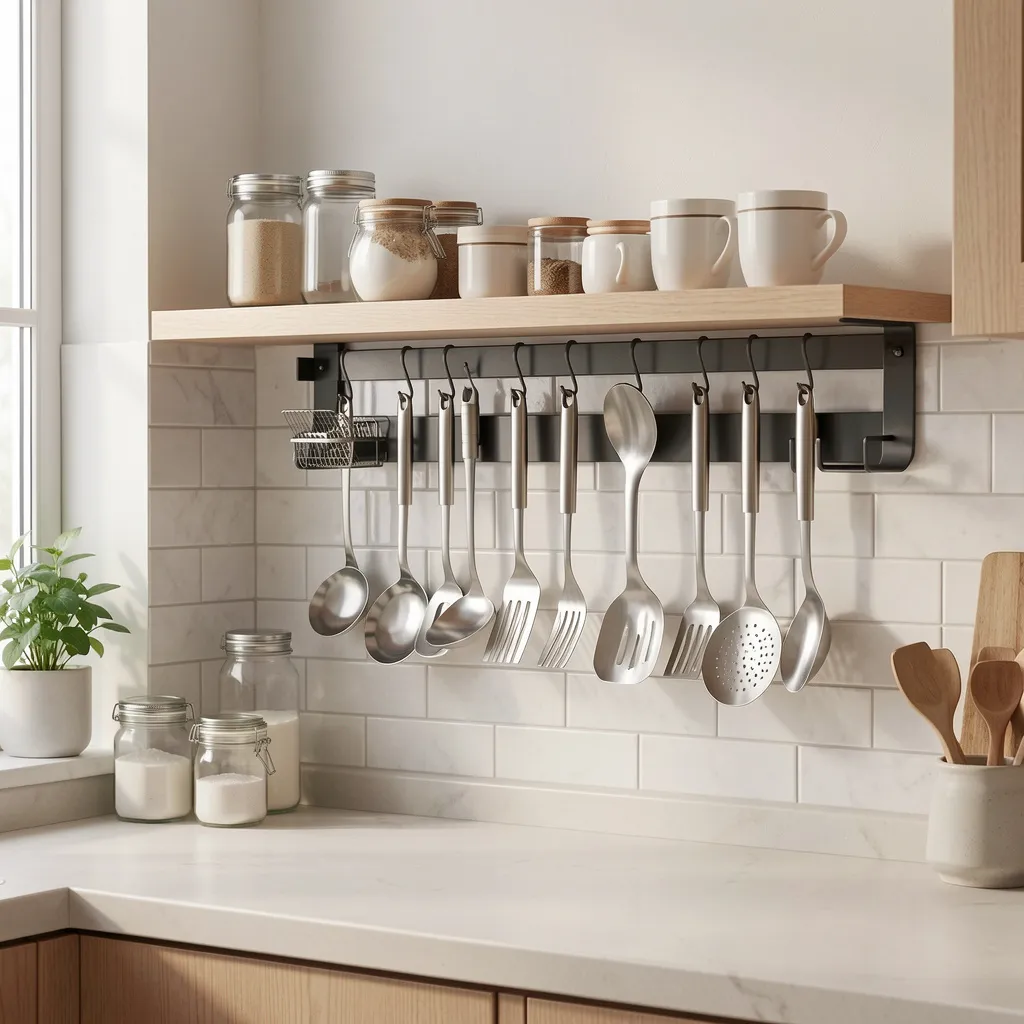
Wall layout builder
Sketch your magnetic wall before you mount a single piece
Use a simple grid with drag handles, snap guides, and spacing hints to preview where every utensil and panel will live.
Place up to ten items. Snap lines and spacing labels appear as you move utensils around.
Layout summary
The list below updates as you add items. Use it as a quick reference when you discuss hardware options.
The export button creates a short description that you can copy into a message on the contact page.
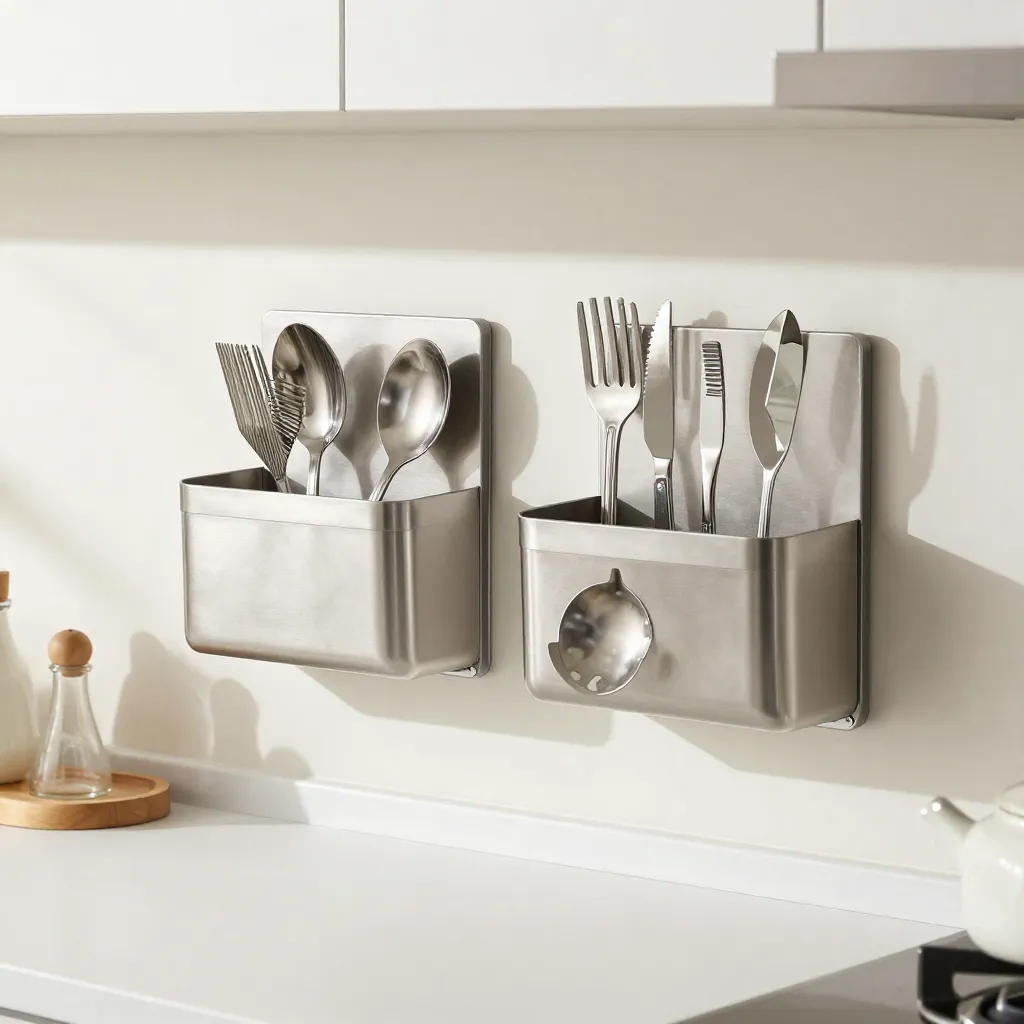
Use real measurements for confident decisions
Start by measuring the distance between the worktop and upper cabinets, then mirror that scale on the builder grid. This way, digital spacing feels close to what you will see on the wall.
Once you are happy with the layout, send the exported overview along with photos of your kitchen so mounting and component choices stay aligned.